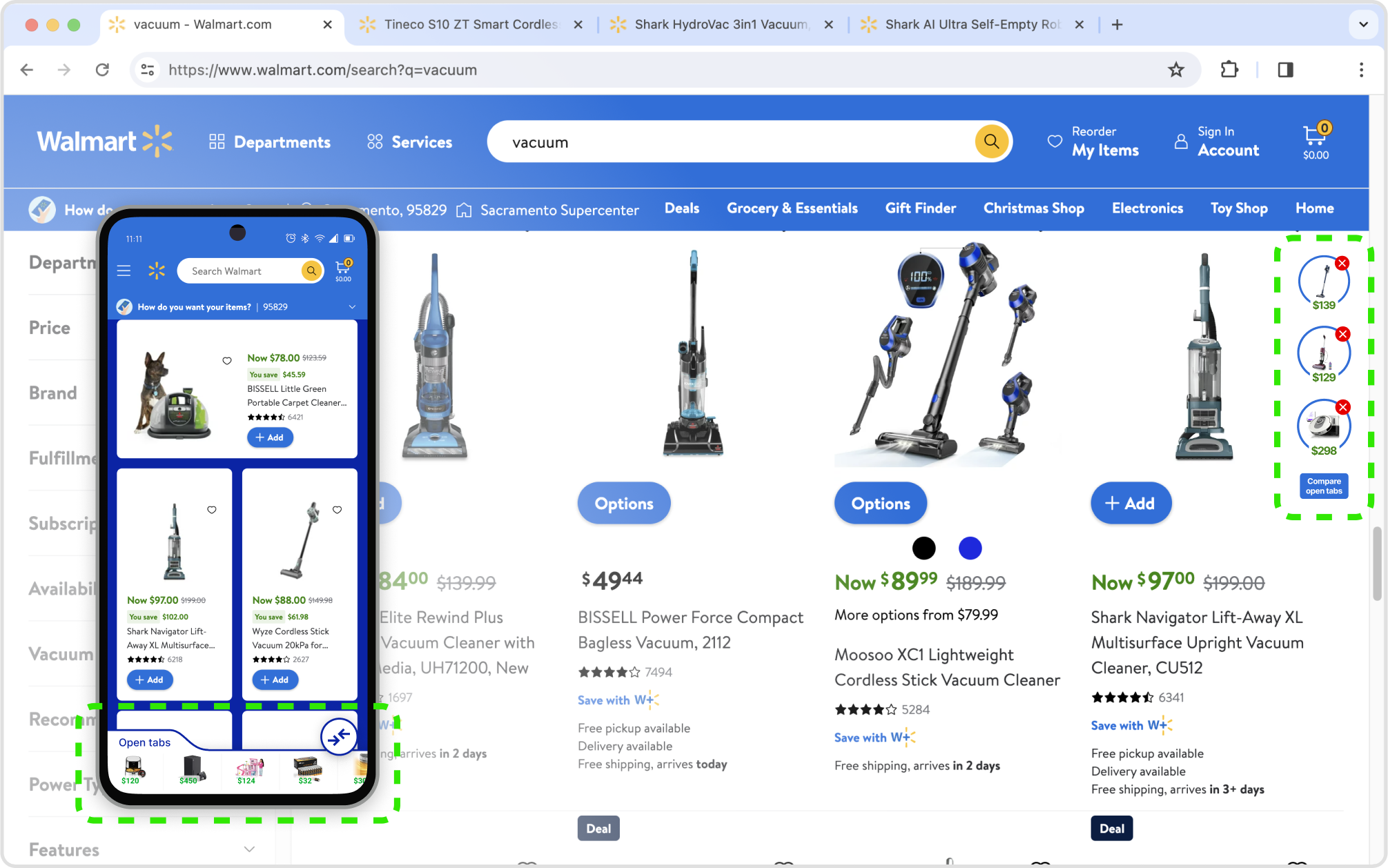
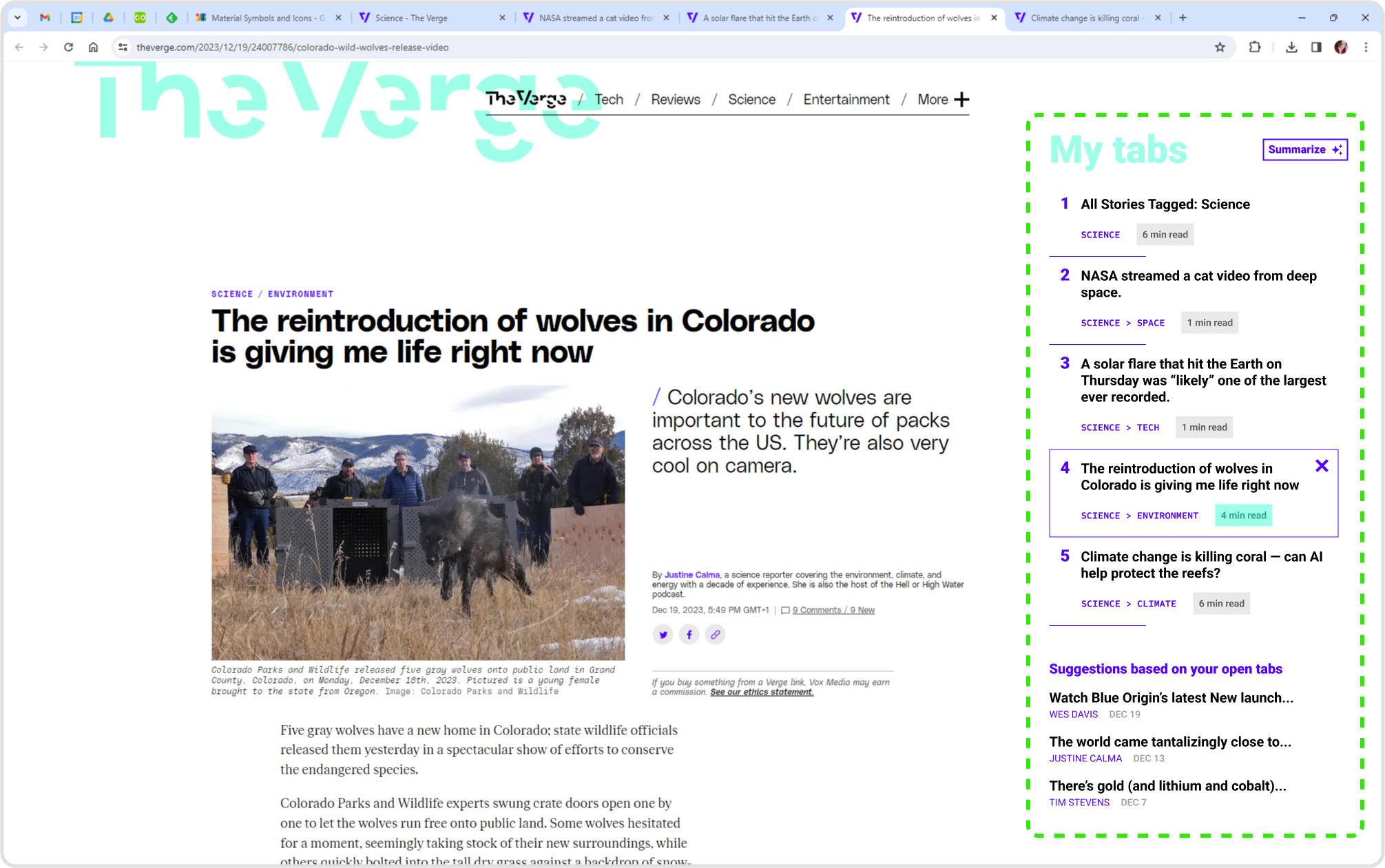
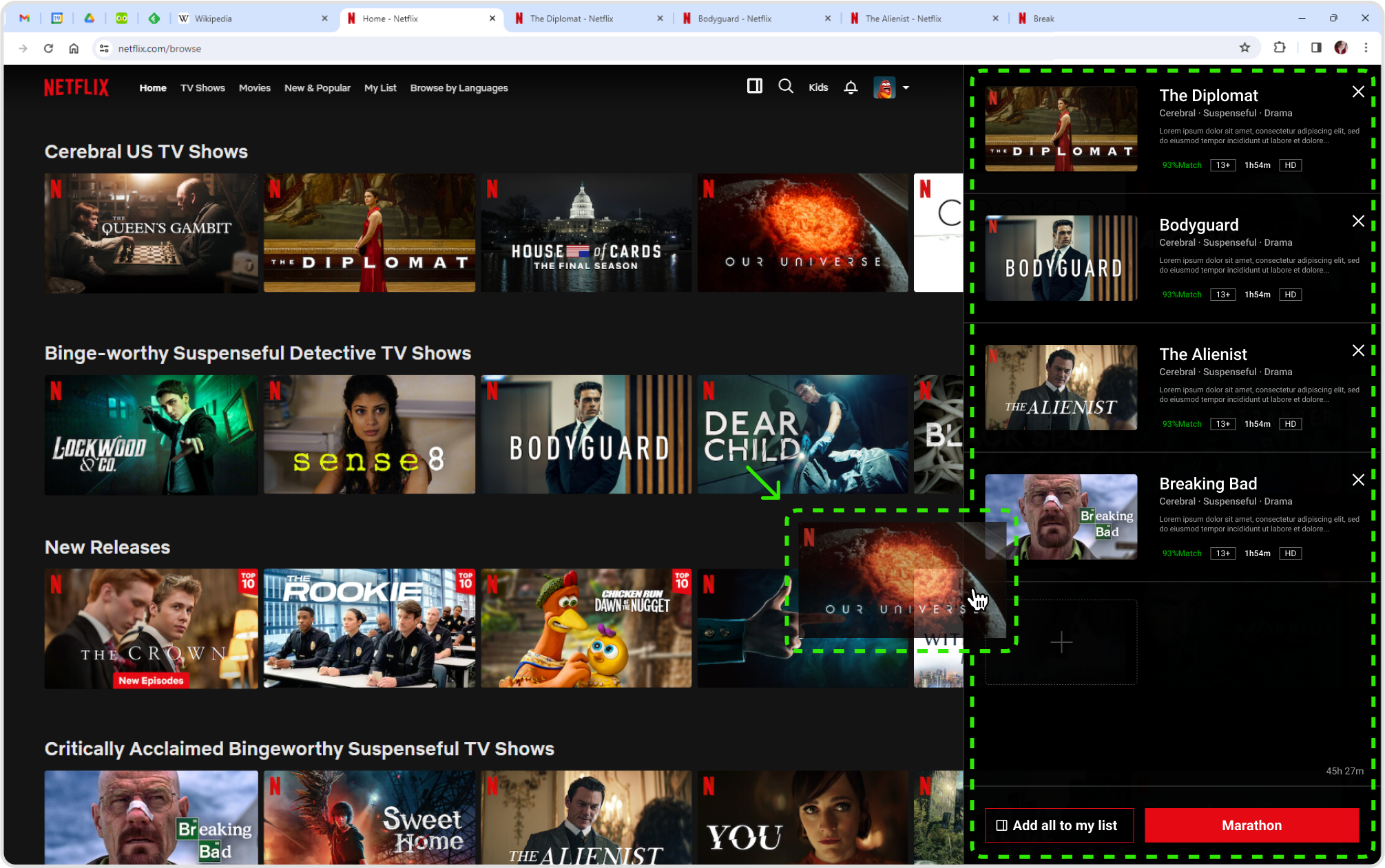
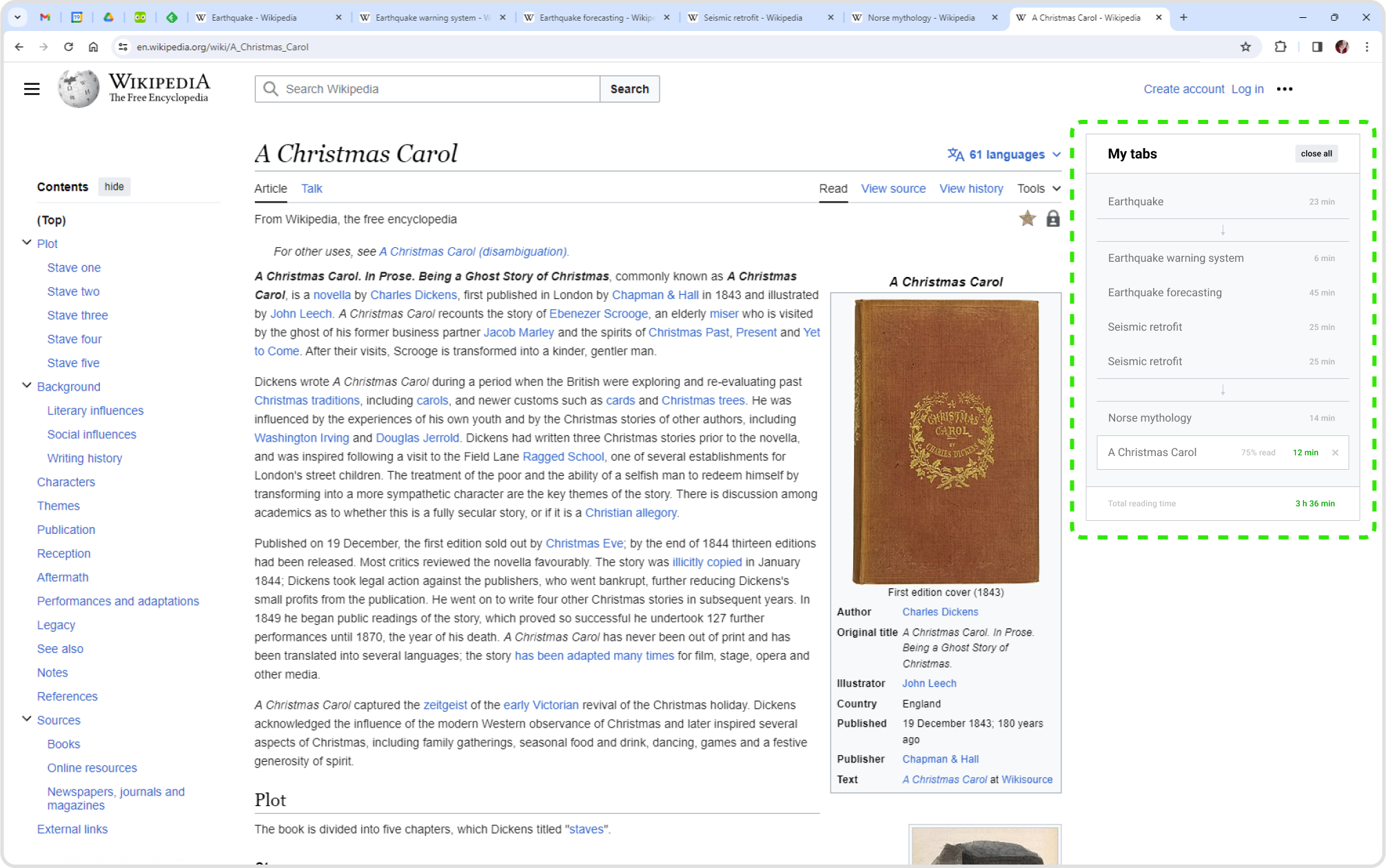
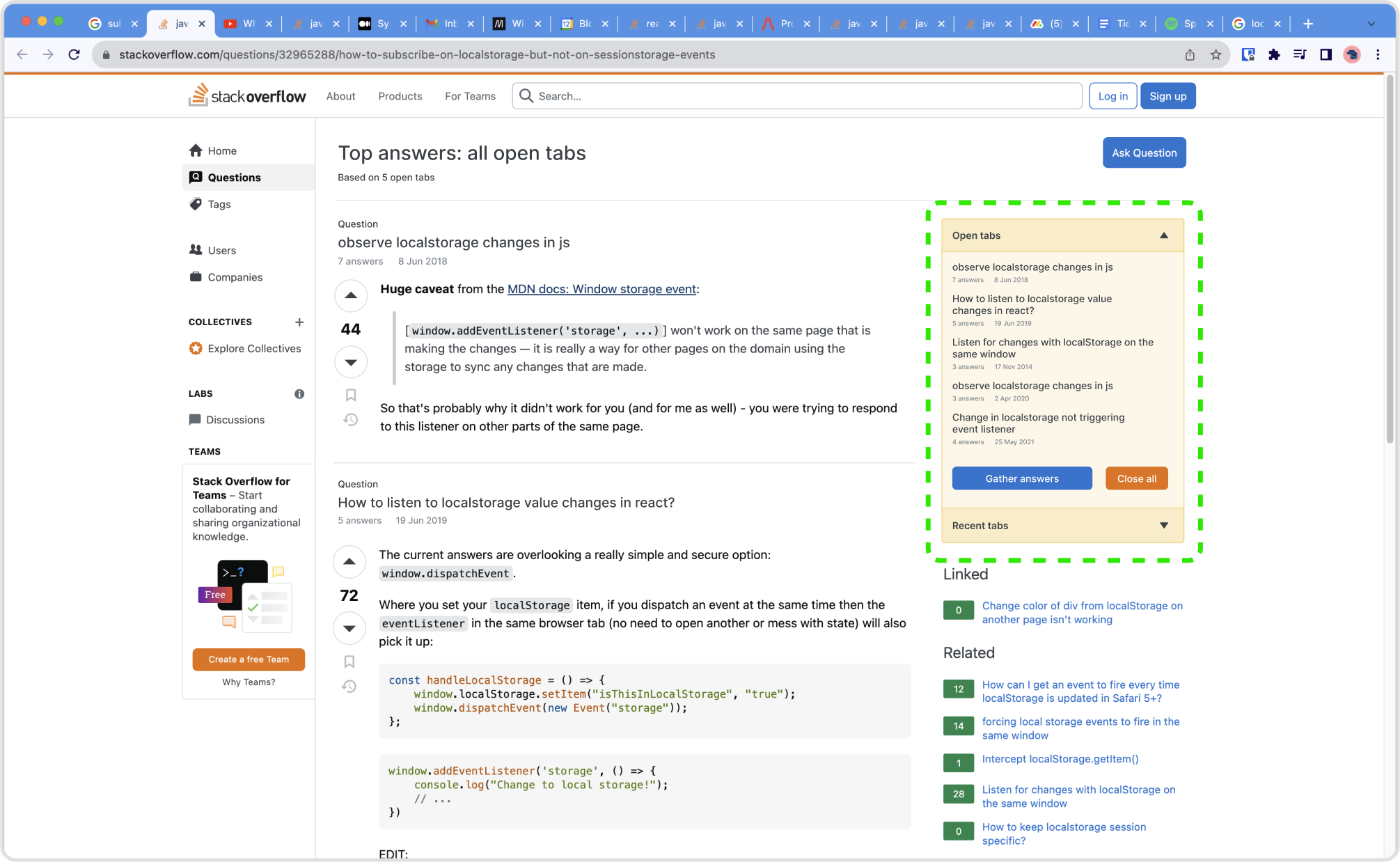
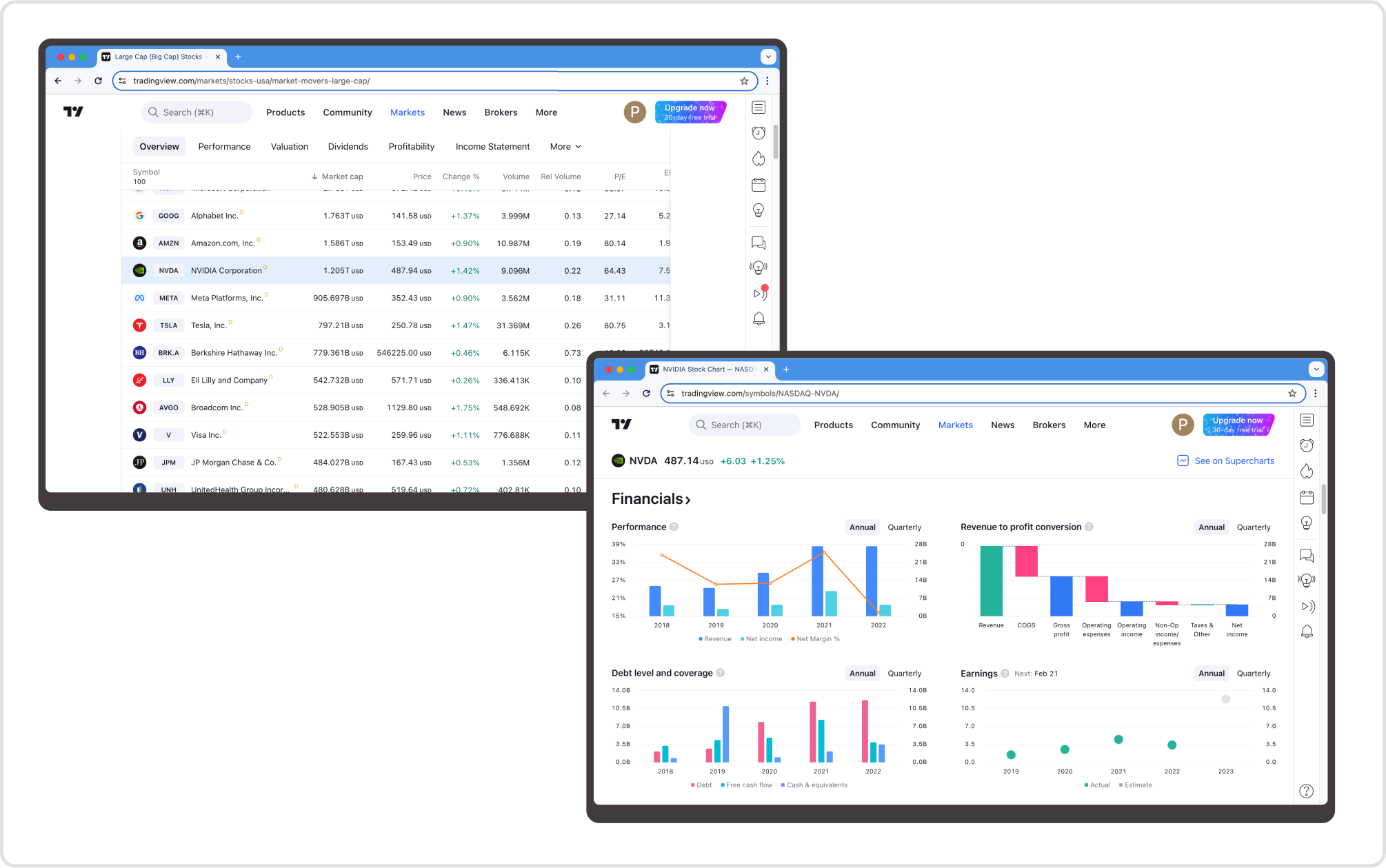
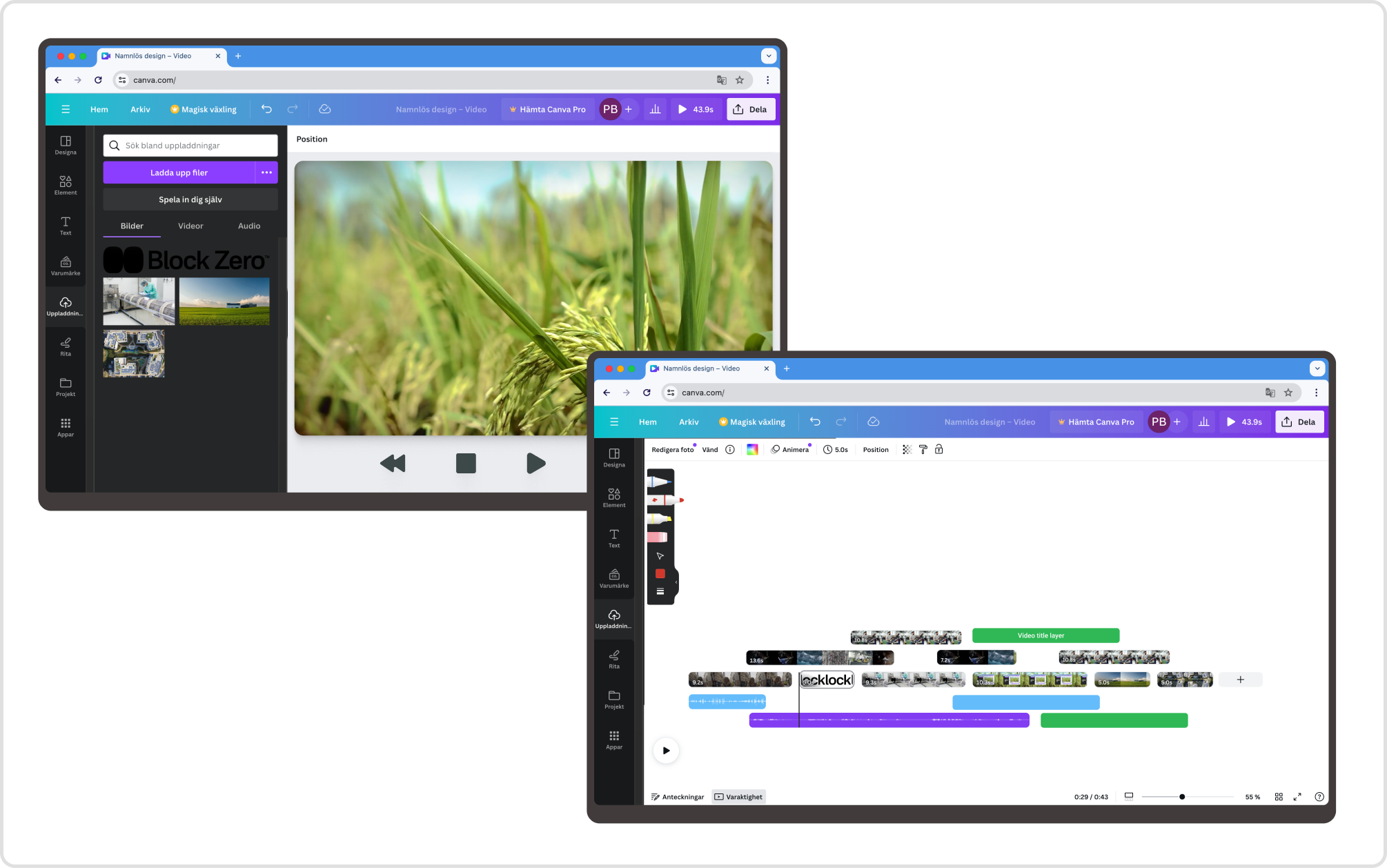
In its simplest form, this concept could work by utilizing basic meta tags, highlighting the previous/next pages connected to the current page. The browser then sets a default behavior for transitioning from one page to the next. If they choose, developers might override the default transition and create their own.
This hinges on the next url being of the same origin, otherwise injection attacks could send the user to malicious sites instead.
The third meta tag, referencing “canonical transition” plays into the idea of progressive enhancements. Adding a canonical next/previous connection has values beyond scrolling and navigating (SEO/prefetching data), that might want to be used.
Consider WordPress, which already has a well-established previous/next behavior and might be very quick to add support for these meta-elements. If this were just added automatically in the browser, then it would simply break patterns that users already well trained in.
Rather than having to opt out of this transitional behavior if it is used, strictly enabling that “I'm fine with the browser dealing with the transition” would likely be better received overall. With some additional standard behaviors based on the value one could imagine the browser could help with different styles of this.
<!-- Automatically load next when scrolling to the bottom -->
<meta key="canonical transition" value="scroll" />
<!-- Automatically add a button at the bottom to load next -->
<meta key="canonical transition" value="button" />
<!-- Automatically load next and insert next page when scrolling to the bottom -->
<meta key="canonical transition" value="continuous" />
The browser itself decides on how this transition, if any, is handled. This could, of course, lead to perhaps unwanted behavior from the developer's side. Perhaps they want to use these tags for indexing purposes only or add their own buttons, so one could imagine perhaps some extended events. This would also allow developers to tap into this behavior to override or for analytical purposes (and probably more).
window.addEventListener(‘transition:next’, (ev) => {
    ev.preventDefault();
    analytics.event(‘scroll counter’, 1)
    document.startTransition(() => { /* Do your own ViewTransition */ })
})